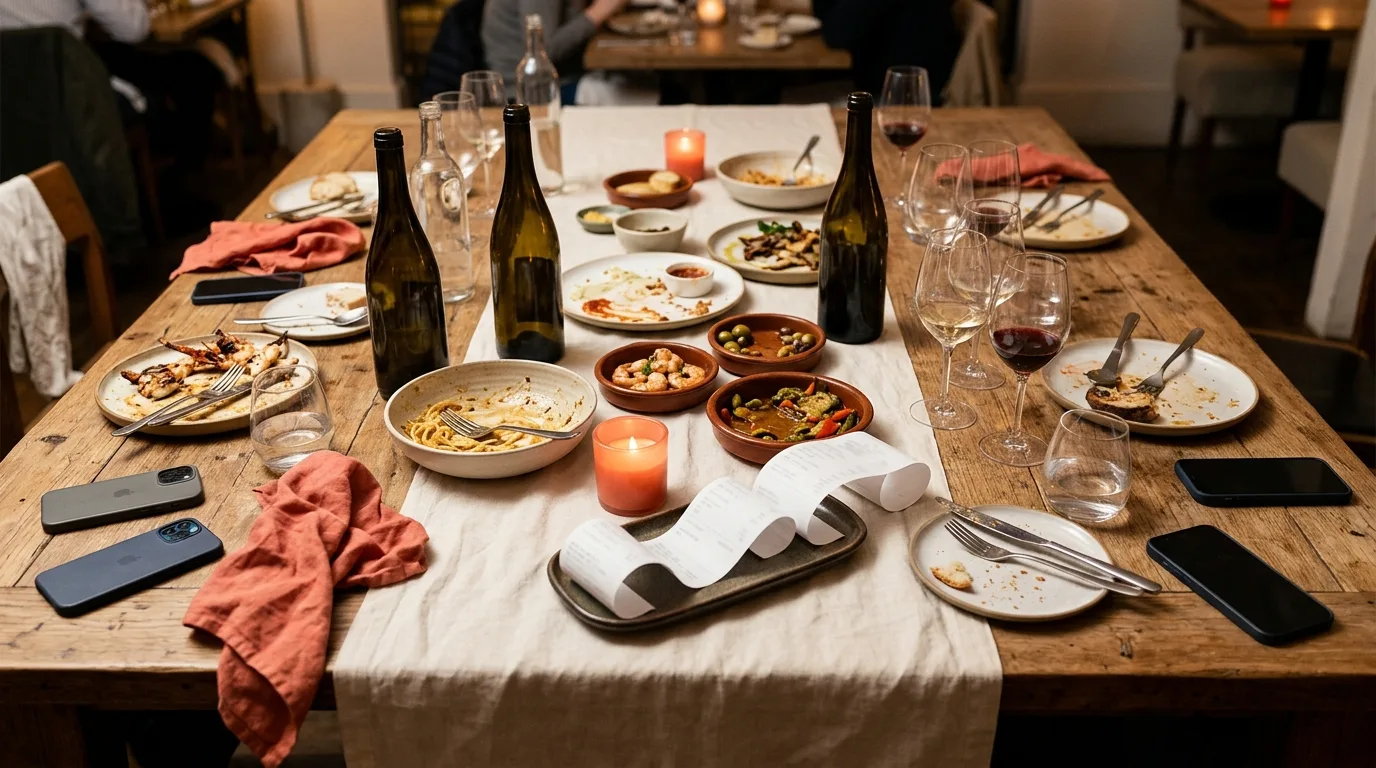
Ten people, one check, and someone just said "let's split it evenly."
Half the table nods because it's late. The other half goes quiet: the friend who only had a starter and a soft drink, the one who skipped the wine. At a table of four, splitting evenly is usually close enough. At ten or more, the gaps get big, and reading a long receipt out loud doesn't work either.
Here's a better way with SplitSnap: one person scans the receipt and shares a QR code, everyone taps their own items at the same time, shared plates go to the people who ate them, and tax and tip are split in proportion. Anyone who left early gets a link.
Why "just split it evenly" fails at a 10+ table
An even split quietly assumes everyone ordered in the same price range. With a big group that's rarely true. Some people order a main, a starter and half a bottle of wine; others have one dish and water. The bigger the table, the more likely at least one person is subsidising everyone else, and the more awkward it is for them to say so.
Some groups treat an even split as the cost of coming along, and that's fine if everyone agrees. The problem is when nobody agrees anything, and the question "should I really pay a tenth of the whole bill?" only comes up once the check arrives.
So agree the method before you order. A quick "we'll split by what we each had, shared plates split between whoever ate them" in the group chat saves the awkward bit later. If you want the basics of splitting by item, our guide to splitting a bill by item, not evenly covers them. This piece is about making that work for a big table.
Step 1: Scan the long receipt, then check it
One person scans the receipt. SplitSnap's AI reads every item and price, usually in 1 to 3 seconds, and handles receipts in 30+ languages, along with faded ink and crumpled paper.
Long receipts deserve a quick check before anyone starts claiming:
Compare the number of lines with the paper receipt, especially repeated items like "Sparkling water x4".
Fix anything misread. You can edit item prices and quantities inline, including negative amounts for discounts.
Watch for the subtotal warning. SplitSnap auto-detects discounts and warns you when the subtotal drifts from what it should be, which is a good sign a line needs another look.
Check any service charge or automatic gratuity line. Big-table bills often include one. Make sure it's reflected once, not added again as a separate tip.
Step 2: Share the QR code with Live Claiming
This is where a big table gets easy. Instead of reading the receipt out loud, share a QR code with Live Claiming. Everyone scans it and taps their own items from their phone, all at the same time, and the split fills in live. As SplitSnap puts it: no more reading the receipt out loud.
A few tips for a smooth claim at a long table:
Add everyone first. Pull names from Contacts so nobody's typed twice.
Pass the QR down the table on one phone, or post it in the group chat, so the far end can scan too.
Give it a minute, then look for unclaimed items. Those are usually shared plates, extra drinks or something nobody remembers ordering.
The person holding the split can still assign any item by tapping it.
Step 3: Shared plates and bottles
Shared plates are what make big-table splits messy, and they're simple to sort once you've decided who shared what.
Assign a shared dish to several people. If four of you shared the calamari, assign it to those four, and it splits between them.
Do the same for bottles. Two bottles of wine shared by six drinkers belong to those six, not to the whole table.
Use the equal split toggle when something really was for everyone, like bread for the table, or when the whole table genuinely wants an even split.
The friend who didn't drink shouldn't pay for the wine. That alone makes a big-table split feel fairer.
Step 4: Tax and tip, proportional or flat
Once items are assigned, SplitSnap works out tax and tip for you. You can split them proportionally, so each person pays tax and tip in line with what they ordered, or flat, so everyone pays the same share.
Proportional is usually the fair choice when orders vary a lot, which they nearly always do at a big table. Flat can make sense when everyone ordered similarly, or when the group simply prefers it. Here's how much difference it makes.
Worked example (illustration with made-up numbers)
Ten diners. Three shared plates ($18, $15 and $12, so $45 in total) shared by nine people, which is $5 each. Two bottles of wine at $45 each ($90) shared by six drinkers, which is $15 each. Jo arrived late and had only a starter and a soft drink ($14). Subtotal: $400. In this illustration, tax is 8% ($32) and the tip is 20% of the pre-tax subtotal ($80), so the total is $512.
Split evenly, everyone pays $512 ÷ 10 = $51.20. Split by item, with tax and tip proportional (each person's items × 1.28), it looks like this:
Alex: main $28, shared plates $5, wine $15 = $48 in items, pays $61.44
Bea: main $24, shared plates $5, wine $15 = $44 in items, pays $56.32
Cal: main $32, shared plates $5, wine $15 = $52 in items, pays $66.56
Dee: main $22, shared plates $5 = $27 in items, pays $34.56
Eli: main $30, shared plates $5, wine $15 = $50 in items, pays $64.00
Fay: main $26, shared plates $5, wine $15 = $46 in items, pays $58.88
Gus: main $20, shared plates $5 = $25 in items, pays $32.00
Hana: main $34, shared plates $5, wine $15 = $54 in items, pays $69.12
Ivo: main $35, shared plates $5 = $40 in items, pays $51.20
Jo: starter and soft drink = $14 in items, pays $17.92
Those ten amounts add up to exactly $512.00. With an even split, Jo would pay $51.20 for $14 of food and drink, while Hana, who had $54 in items, would pay less than her share. With tax and tip split flat instead ($112 ÷ 10 = $11.20 each), Jo would pay $25.20 and Hana $65.20. Proportional keeps each person's share of tax and tip in line with what they actually ordered.
For more on the fairness side, see how to split a bill fairly when everyone ordered differently, or run your own numbers in the free bill split calculator.
Step 5: Late arrivals, early leavers and the birthday guest
Big dinners rarely have a fixed guest list. SplitSnap handles the changes:
Someone turns up late or you forgot to add them? Add someone you missed, and everyone's share re-balances automatically.
Added the wrong person? Remove them, and the shares re-balance again.
Need to set a specific amount? Use Set custom amounts to type exactly what each person owes instead of an even split.
The birthday guest is the classic case. If the group is treating them, don't assign them anything, and split their items between everyone else, using the equal split toggle if everyone's chipping in equally. Just agree it before the bill, so the birthday person isn't left wondering.
Step 6: Collect the money
Once the split is done, SplitSnap makes a summary card showing what each person owes, which you can send to the group chat. Then:
One-Tap Pay puts Venmo, Cash App and PayPal links right on the split, so friends can pay you in a tap.
Auto-Reminders are optional gentle nudges, so you don't have to chase anyone yourself.
Part-payments can be recorded when someone pays half now and half later. Here's how to record a partial payment.
For anyone without the app
Every split can have a public link. Send it to anyone and they see what they owe, tap their name to see their items, pay you with Venmo, Cash App, PayPal or your bank details, and tap "I've paid". No app or account needed. It's ideal for the friend who left before the bill came. More in our guide to splitting a bill with friends who don't have the app.
If this is a group that eats out together often, keep a running balance of who owes whom across splits.
FAQ
Is it rude to ask for an itemized split?
Not if you raise it early. Suggesting "let's each pay for what we had and split shared plates" before ordering is considerate, especially for anyone on a budget. Springing it on the table after an even split has been agreed is harder.
How do you split tax and tip fairly when orders differ?
Split them proportionally, so each person's share of tax and tip matches what they ordered. In the example above, that meant Jo paid $3.92 of tax and tip on $14 of food instead of $11.20 or more.
How do you split a shared appetizer or bottle of wine?
Assign it to the people who shared it, and it divides between them. Use the equal split toggle only for things that really were for the whole table.
What if the restaurant won't split the check?
One person pays the whole bill, scans the receipt and shares the split. Everyone then pays that person back through the payment links on the split.
Do my friends need SplitSnap to see what they owe?
Not if you send a public link. Anyone can open it in a browser, see their share and items, and pay you without the app or an account.
For a full walkthrough of the app, see splitting a bill with SplitSnap. And if your next big dinner is abroad, here's how to split a restaurant bill in another currency.
This article was drafted with AI assistance and reviewed by a human editor before publishing.