A to-do list tells you what to do. A timeboxed plan tells you when to do it—and whether you actually can. The gap between those two is where most days fall apart. This guide walks you through building a realistic daily plan using timeboxing, so your schedule matches the work you actually have and the calendar you actually live in.
Why Timeboxing Works When To-Do Lists Don't
A typical to-do list is optimistic. It's a wish list of tasks with no sense of time or priority. You add ten things, expect to finish all of them by 5 PM, and by 2 PM you're discouraged because you've completed three. Timeboxing flips that. Instead of listing tasks, you assign each one a realistic block of time on your calendar. You see immediately if your day is overloaded. You can make trade-offs before you start. And when you finish a block, you've actually accomplished something concrete—not just checked off one item from an endless list. Learn more about how timeboxing compares to traditional to-do lists.
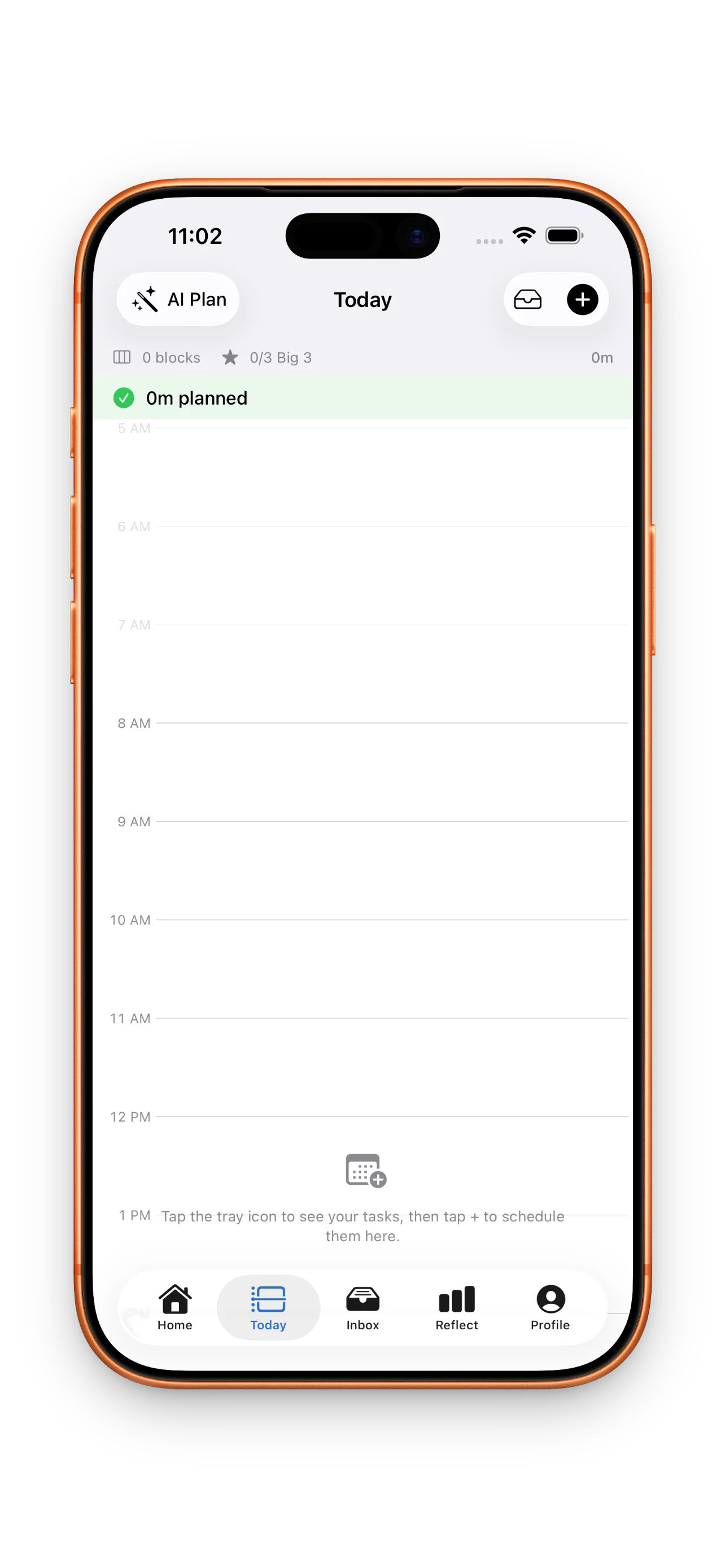
Step 1: Capture Everything in Your Inbox
Before you can plan your day, you need to see what's asking for your attention. The first step is capture—get everything out of your head and into one place so you're not juggling tasks mentally. Add tasks as they come to you: emails that need replies, projects that need work, errands, meetings prep, anything that takes mental energy.
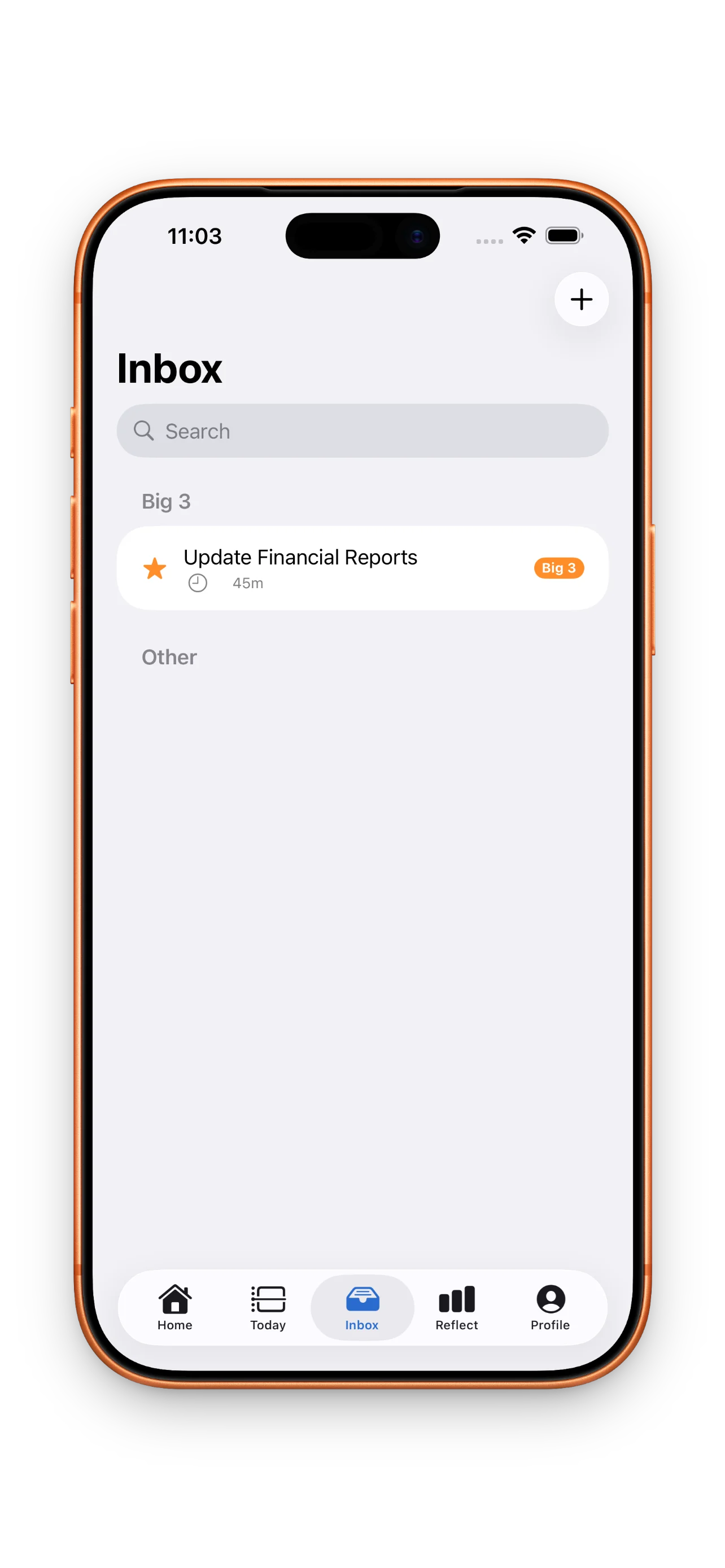
Step 2: Choose Your Big 3 and Build Your Timeline
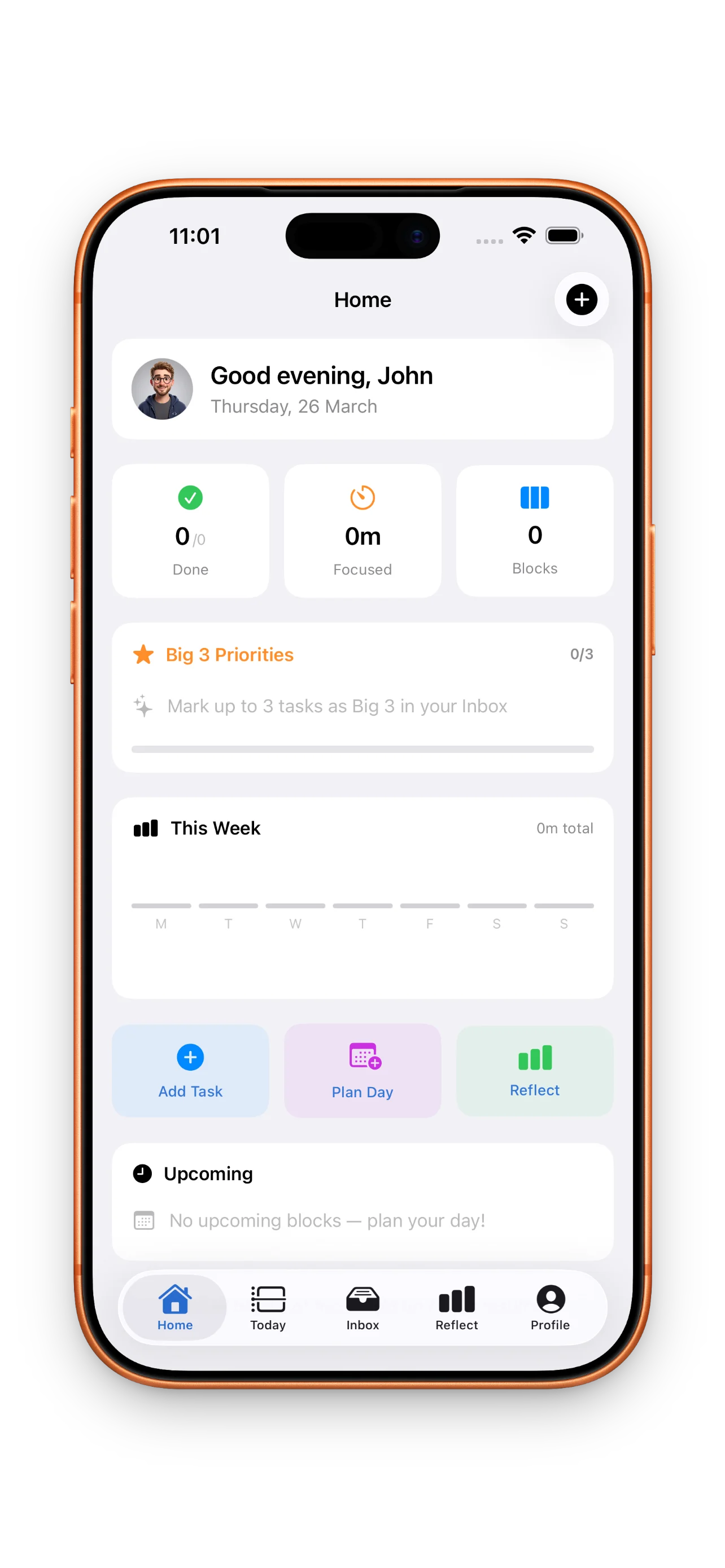
Now you prioritize. Pick three things that matter most today—your Big 3. These are non-negotiable. Then add supporting tasks and drag them onto your timeline in the order you'll actually do them. As you drag, you see your calendar events already there. This is where the magic happens: you can see immediately if you're trying to fit eight hours of work into a day with three meetings and a lunch break. If you are, something has to move or wait until tomorrow.
The timeline shows you what's real about your day—meetings, focus time, actual breaks—so you can plan accordingly.
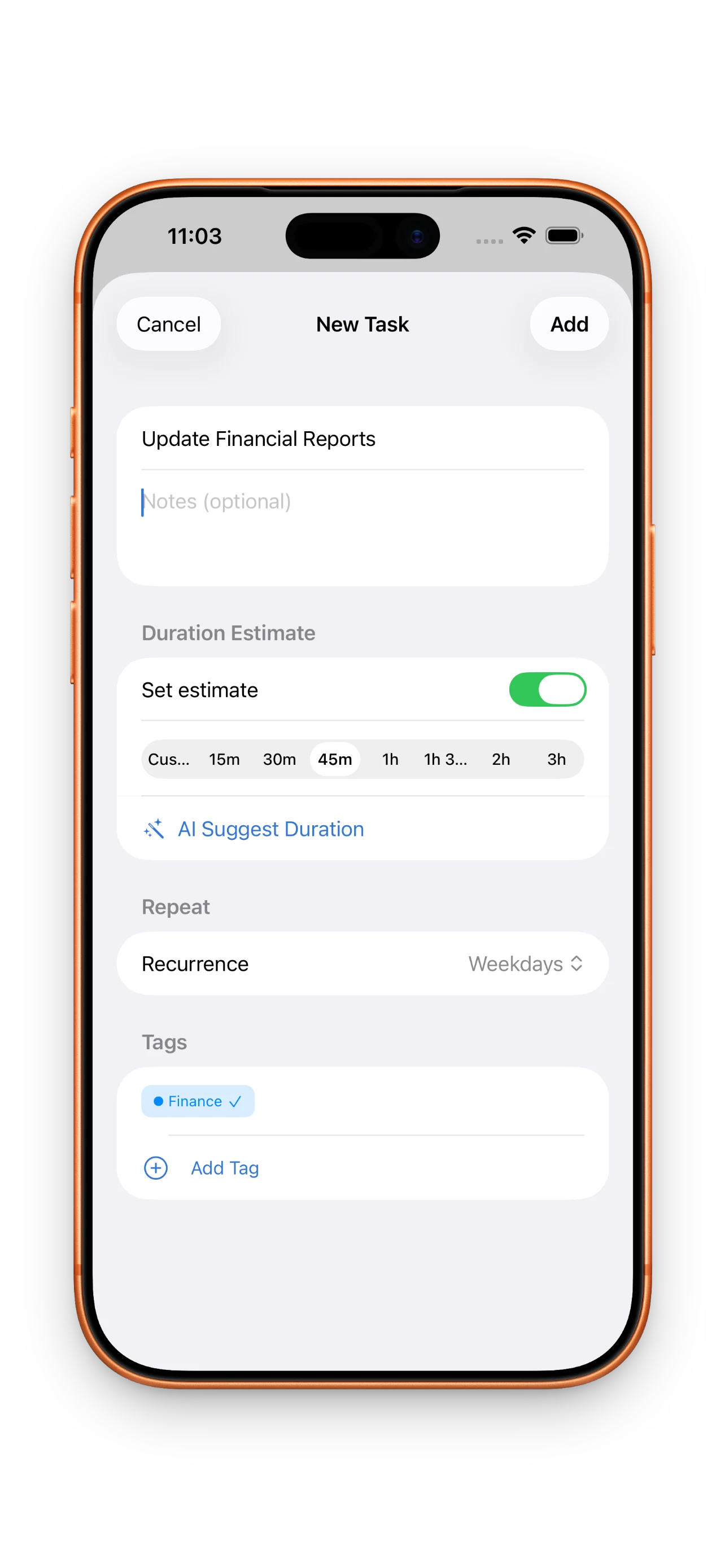
Step 3: Run Your Focus Timer and Work in Blocks
Once your timeline is set, each block has a timer ready. When you're ready to work on a task, tap the block and start the timer. The timer keeps you honest about how long the work actually takes—and gives you a clear boundary so you know when to stop and move to the next thing. No endless scrolling or getting lost in email; the timer reminds you to switch gears.
Step 4: Reflect on Planned vs. Actual
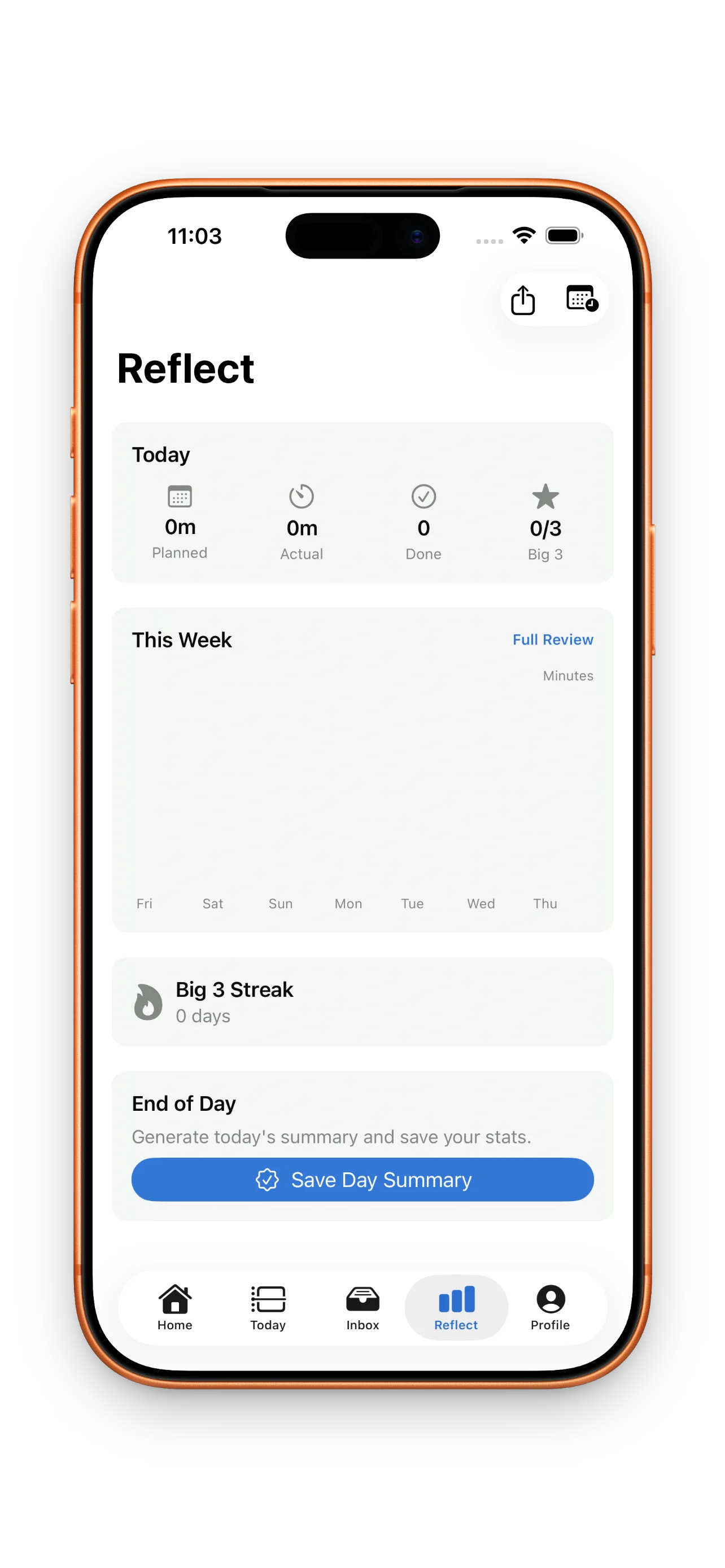
At the end of the day, compare what you planned to what actually happened. Did the writing task take 60 minutes or 90? Did you finish your Big 3? How many focus sessions did you complete? This reflection is where you learn your own pace. Over time, your estimates get better. You start to know that deep work blocks need 90 minutes, not 60. You know which meetings always run long. You stop overloading your days because you can see the pattern. This is the loop that builds: plan, focus, reflect, improve.
Build Momentum with Streaks and Milestones
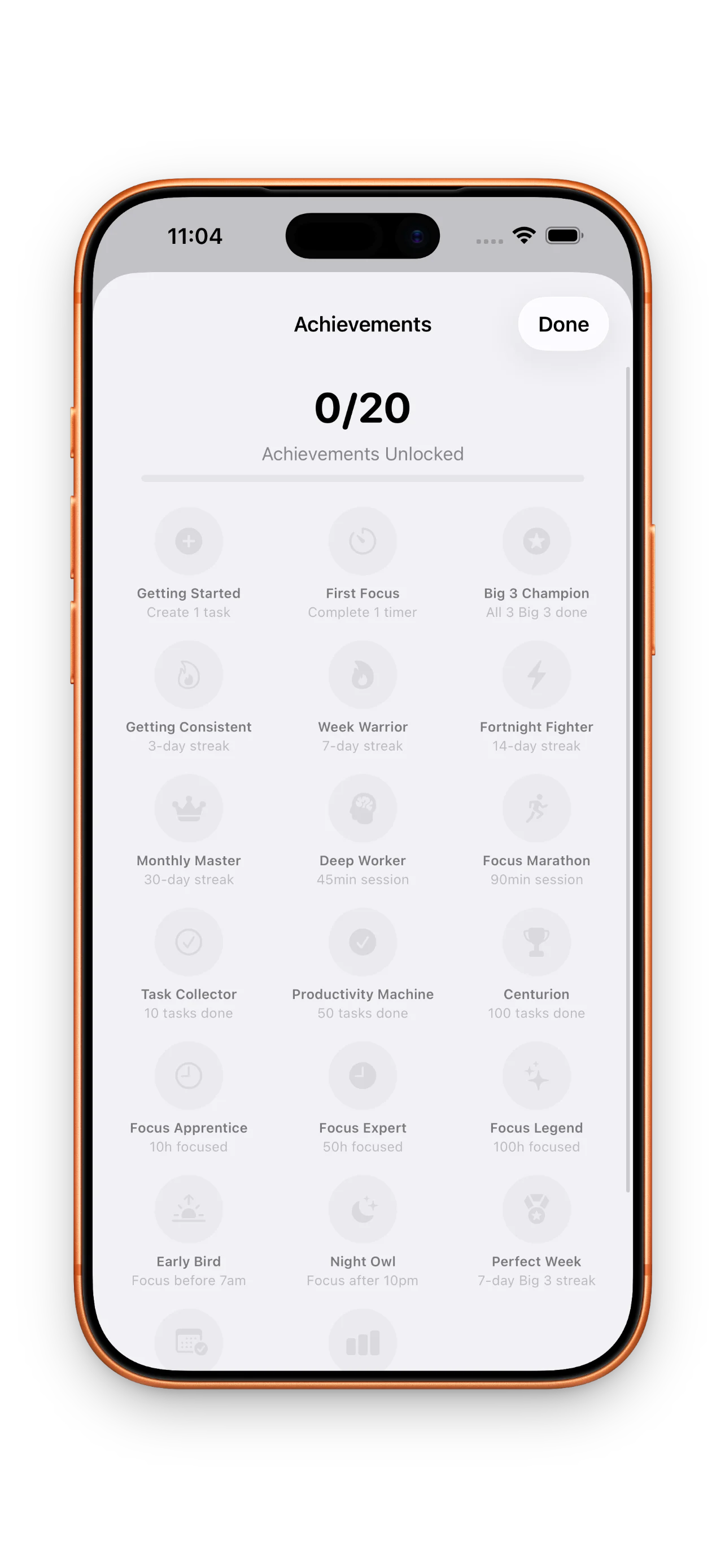
The final layer is consistency. DayBox tracks your streaks—days you show up to plan, Big 3 days you complete, focus sessions you finish. You earn milestones as the habit compounds. This isn't about perfectionism; it's about momentum. Knowing you've planned 23 days straight changes how you approach day 24. You're building a rhythm: capture, prioritize, schedule, focus, reflect. Do this every day and your relationship with your calendar shifts. Your first day with DayBox walks you through this exact loop.
This article was drafted with AI assistance and reviewed by a human editor before publishing.